Your SCORM content, now part of something bigger.
Bring your existing SCORM courses into BrainStorm and deliver them as part of a complete learning journey, while tracking learner progress, completion, and performance.
See How it Works
Upload & Manage SCORM
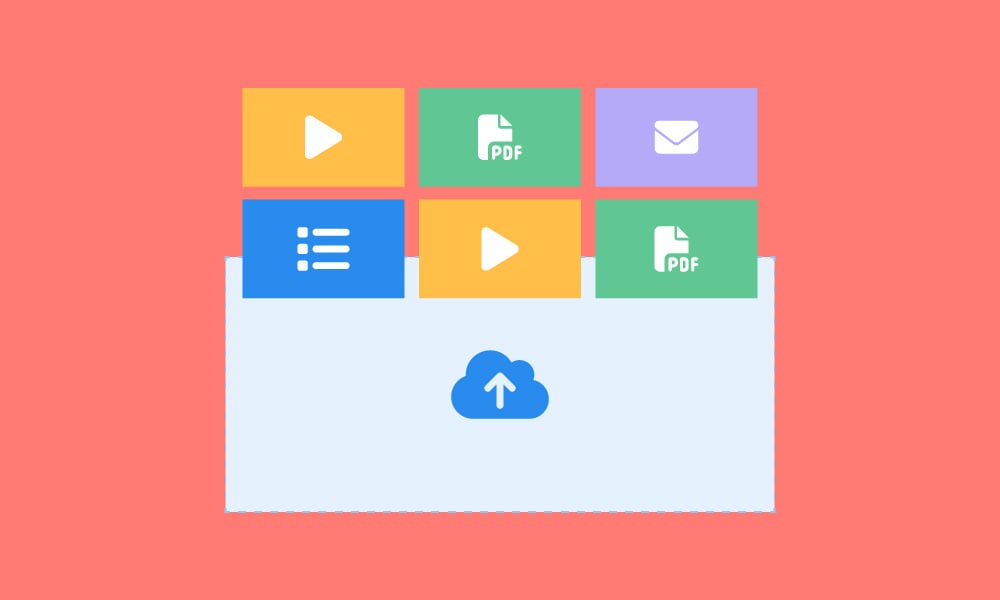
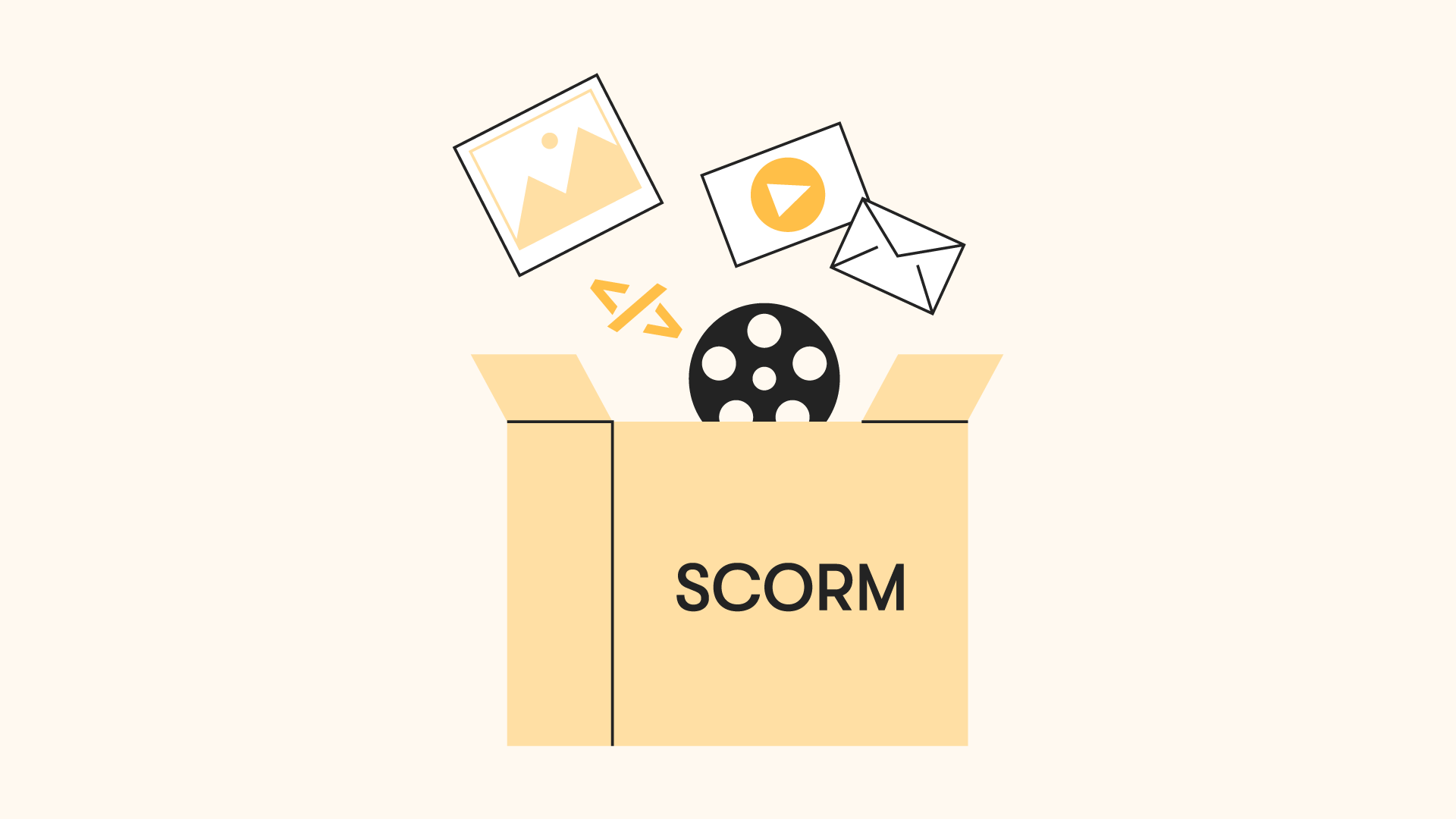
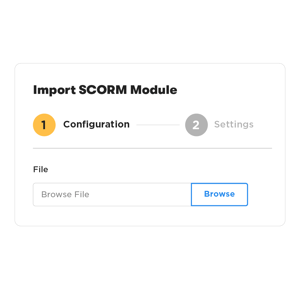
Upload SCORM 1.2 or SCORM 2004 packages directly into BrainStorm and make them available as learning assets. BrainStorm automatically detects the course manifest and prepares the package for delivery.
- Upload SCORM 1.2 and SCORM 2004 packages
- Bulk upload — add multiple packages at once
- Automatic manifest detection and validation
- Manage and organize SCORM assets alongside other BrainStorm learning assets
Add SCORM Courses to BrainStorm Flows
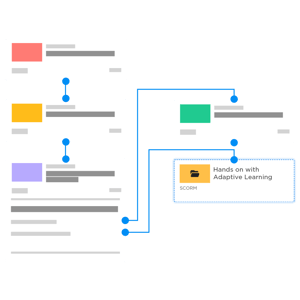
SCORM courses can be included as steps within BrainStorm Flows, allowing them to be delivered as part of engaged learning journeys alongside videos, surveys, communications, and other learning activities.
- Add SCORM as a step in any Flow
- Combine SCORM with other BrainStorm content types
- Use SCORM course completion or score to trigger branching within a Flow
- Deliver SCORM courses through the BrainStorm end-user portal
Track Learner Progress and Performance
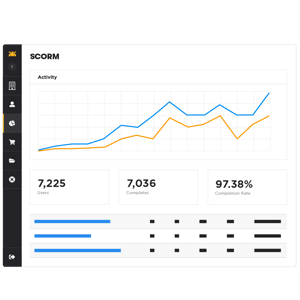
BrainStorm captures completion status and score data when included in the SCORM package, allowing administrators to monitor learner progress and performance through the platform’s reporting tools.
- Track course starts and completions
- Capture pass/fail status and assessment scores
- Track time spent in the course (when provided by the SCORM package)